Mandarin Assistant GPT helps to assist users with navigating apps based in China, cush as Xiaohongshu.

After obtaining from the GPT store, you are greeted with 3 options:
- Etiquette for Chinese based social media - Brief overview of customs, etc.
- Translate text to Mandarin - Type in a word or phrase enclosed by quotation marks, to be translated back to English after being corrected grammatically and enhanced with politeness.
- Translate a screenshot - Option to upload a screenshot in Mandarin.
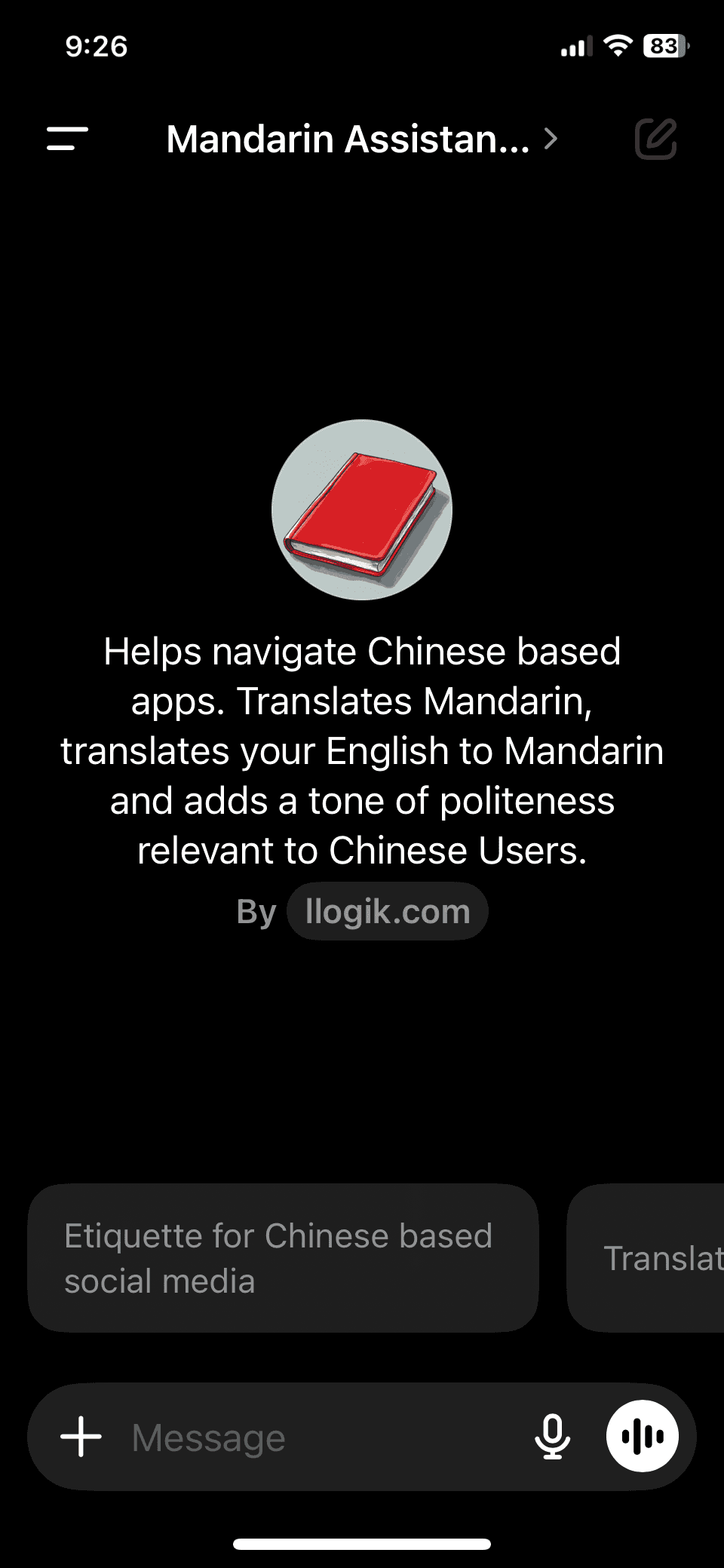
To have your text translated, enclose the phrase or word with quotation marks (otherwise the GPT remains conversational).
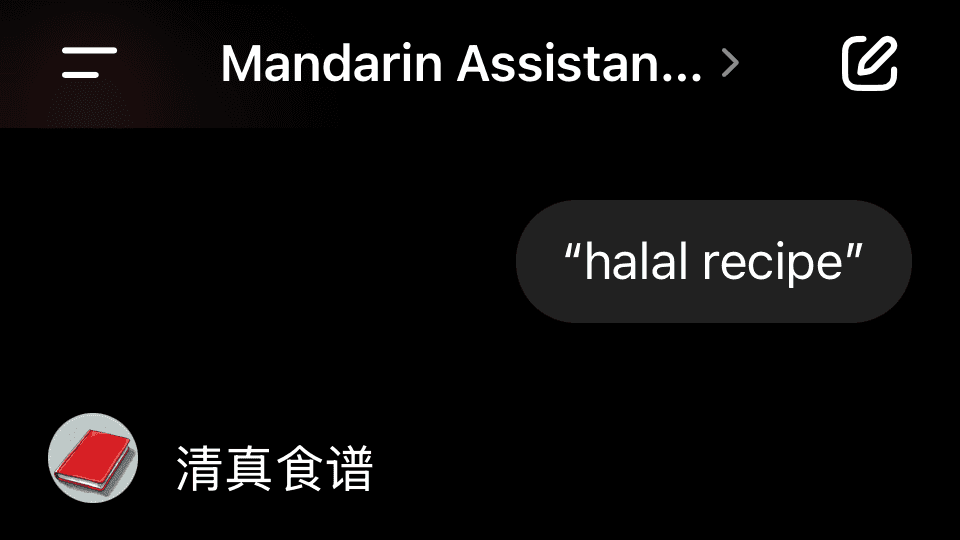
From there you can paste that word into the search option of Xiaohongshu (or other app). In my example, I want to find Chinese Halal food recipes.
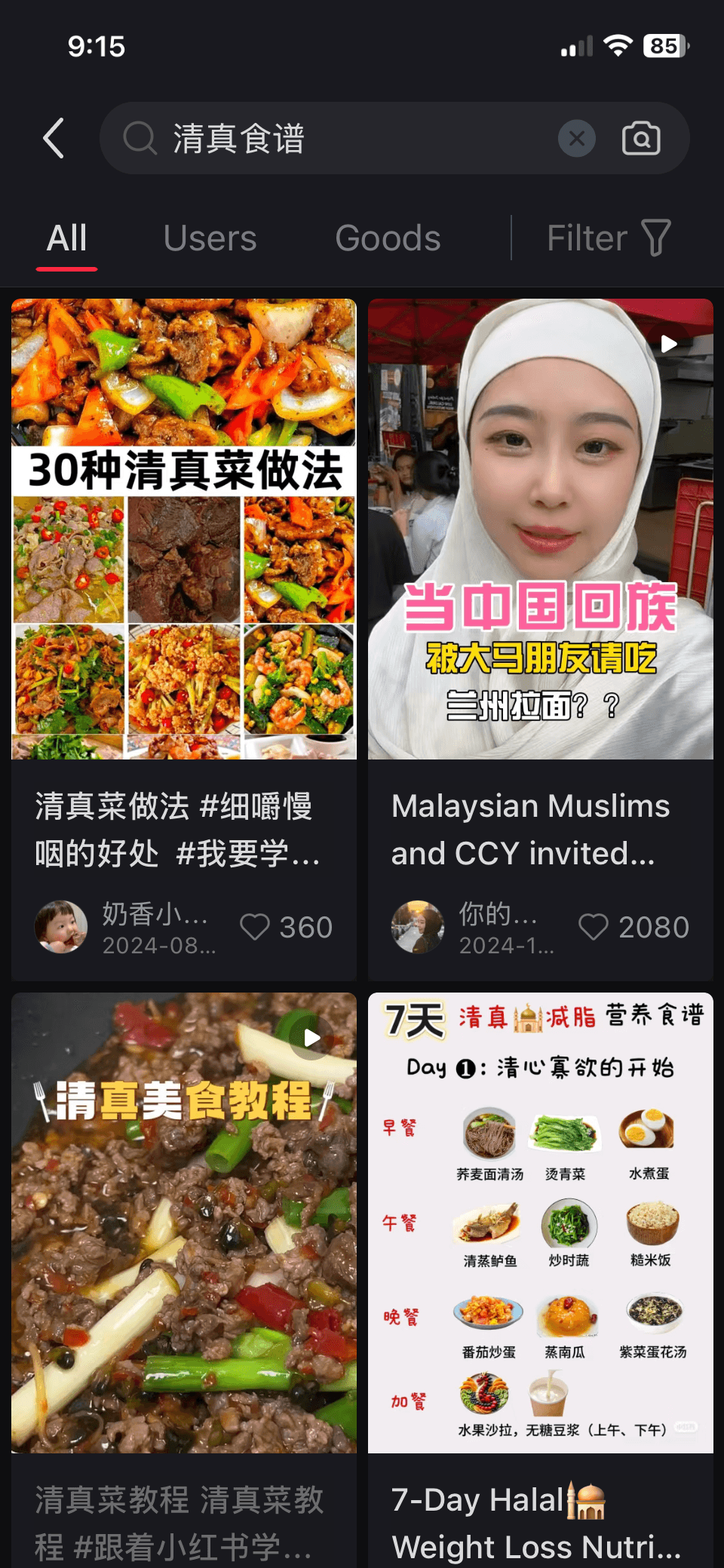
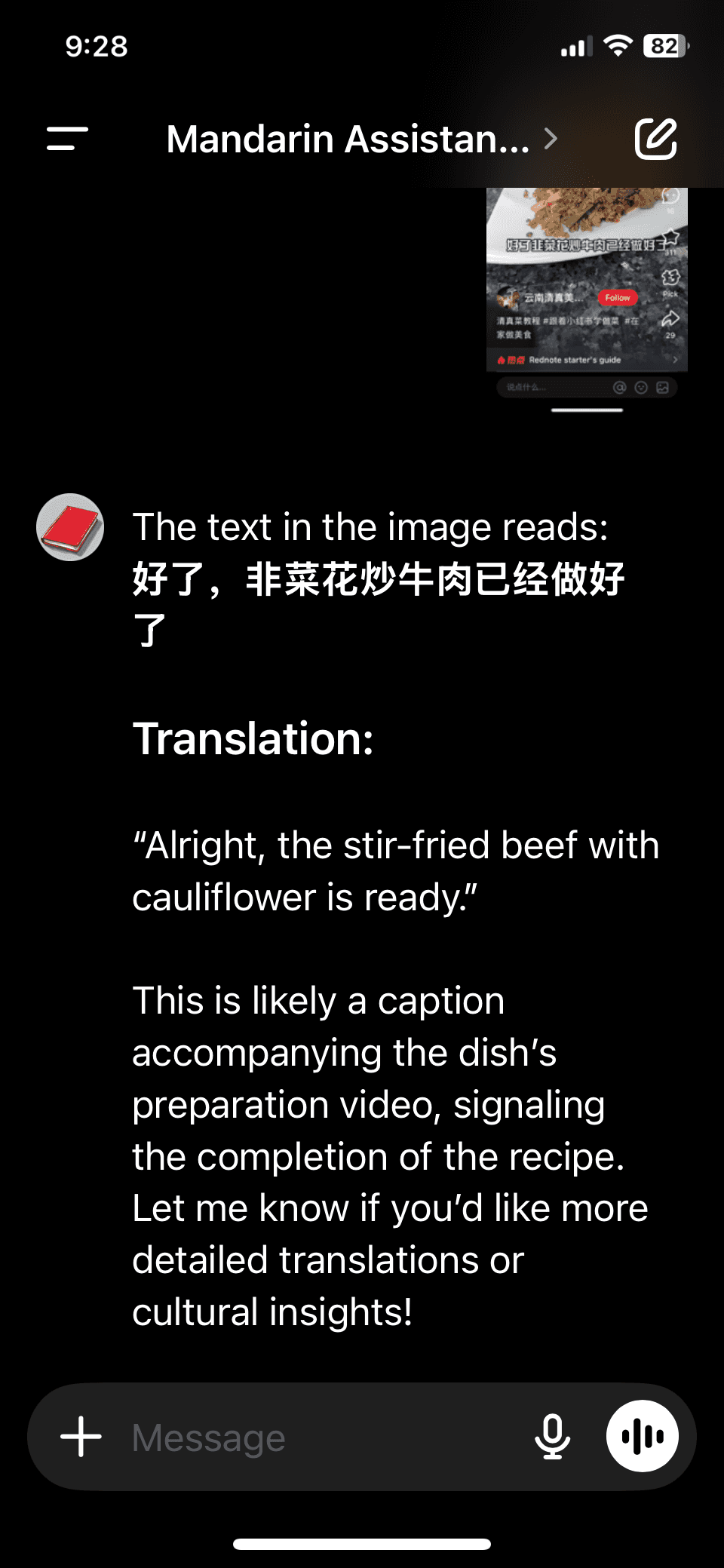
After seeing the results, I can screenshot the app and then go back to the GPT to have the results translated.
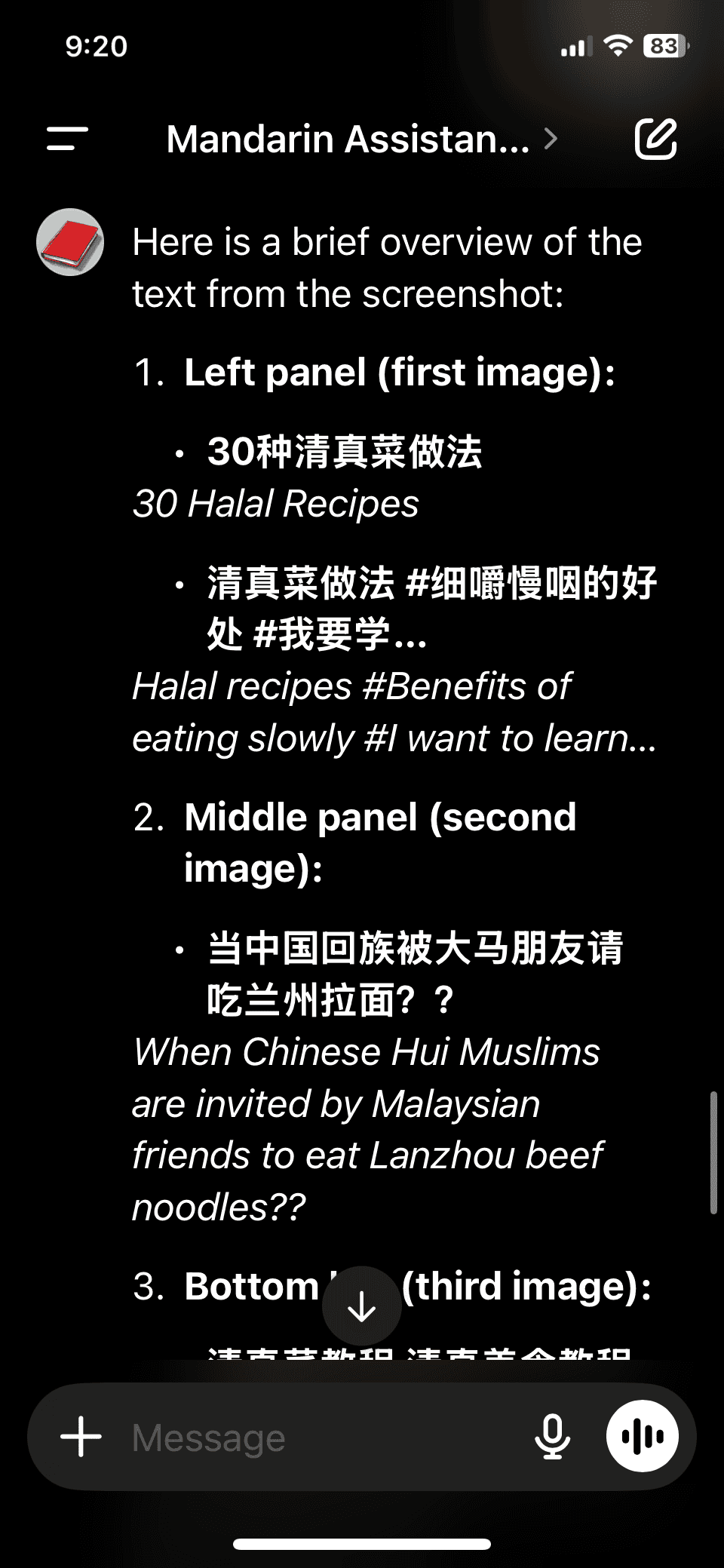
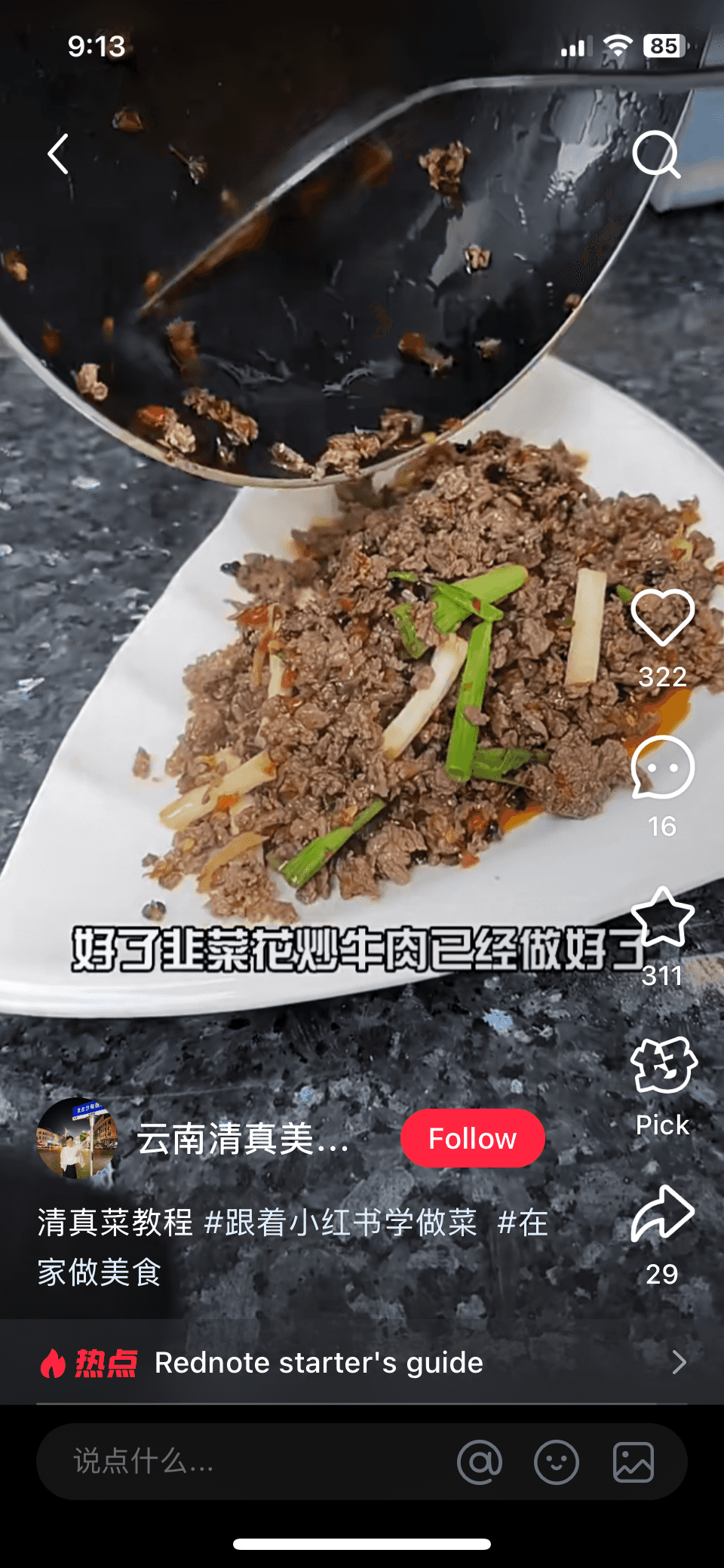
After I found a video that I found interesting I can continue to screenshot the captions.
You can do this through the rest of the app.